Discover what's new this month at your local library!
|
|
|
|
 |
The Bridge at Main |
|
| |
|
|
|
The Bridge presents the
Tech Newsletter for April 2026. | If you have any questions, please feel free to call us at 415-557-4388 or email us at |
bridgeevent@sfpl.org |
|
| |
Hours of Operation: |
Sunday - Closed | Monday - 9AM-6PM |
Tuesday - 9AM-8PM | Wednesday - 9AM-8PM |
Thursday - 9AM-8PM | Friday - 12PM-6PM |
Saturday - 10AM - 6PM |
|
|
|
|
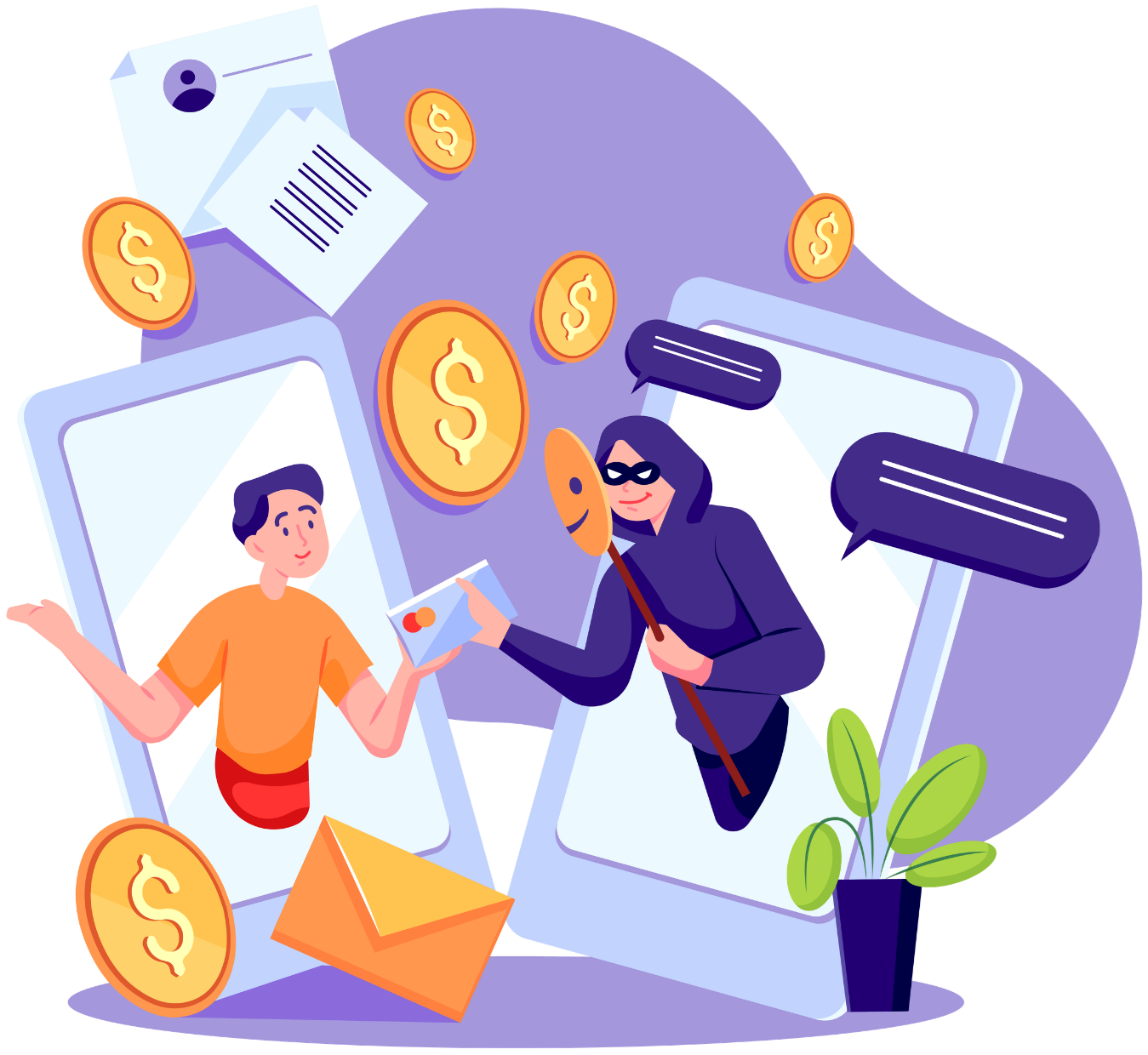 |
| 🛑 Tech Support Scams: Simple Tips to Stay Safe |
| Scammers pretend to be from well‑known companies and claim your computer or account has a problem. They try to scare you into paying them or letting them into your computer, where they can steal money or personal information.
What These Scams Look Like
A surprise phone call saying there’s a “virus” on your computer A pop‑up on your screen telling you to call a support number Someone asking for remote access to “fix” something How to Protect Yourself
Hang up on unexpected tech‑support calls Never give anyone remote access to your computer Don’t click on pop‑ups asking you to call a number Legitimate companies will not contact you out of the blue
|
| More information here. |
| Additional information here. |
|
|
 |
| ❤️ Romance Scams: What Adults Should Know |
| What These Scams Are:
Romance scammers pretend to be interested in a relationship online. They often seem kind, caring, and very attentive — but their real goal is to gain your trust and then ask for money.
Common Warning Signs
They say they can’t meet in person because they’re overseas, in the military, or traveling for work. They quickly talk about love or strong feelings. They ask for money for emergencies, travel, medical bills, or other urgent problems. They want you to pay by gift cards, wire transfer, money apps, or cryptocurrency. How to Protect Yourself
Never send money to someone you haven’t met in person. Stop talking to anyone who pressures you for money. Talk to a trusted friend or family member if something feels off. Search online for their story (for example: “oil rig scammer”). Do a reverse image search of their photo to see if it appears under other names. |
|
More information here. |
|
|
|
|
The Federal Trade Commission:
| Consumers lost more than $12.5 billion to fraud in 2024 — a 25% increase from 2023.
The number of reported scams stayed about the same, but a higher percentage of people lost money: 38% in 2024 compared to 27% the year before.
Key points from the FTC’s 2024 data:
Investment scams caused the biggest losses—$5.7 billion, up 24% from 2023. Imposter scams were the second-highest, with $2.95 billion lost. Bank transfers and cryptocurrency were the most common ways people paid scammers, making up more losses than all other payment methods combined. |
|
|
Most common types of reported fraud: Imposter scams (including government imposters, which rose to $789 million in losses). Online shopping problems. Business and job opportunity scams, which saw a major increase—losses reached $750.6 million. Investment-related scams. Internet services scams. One fast-growing area: job and employment agency scams. Since 2020, reports have tripled, and losses jumped from $90 million to $501 million.
The FTC emphasizes that scammers continue to change their tactics and encourages the public to stay alert.
|
|
|
Find out more here on this article:
|
|
|
|
 |
Volunteers Needed | Become a Tech Volunteer |
The Bridge is looking for Tech Volunteers!
Do you enjoy helping others learn about technology? We’re seeking volunteers to assist with our Tech Drop-In sessions and one-on-one tech appointments. Your support helps community members build confidence with computers, devices, and online tools.
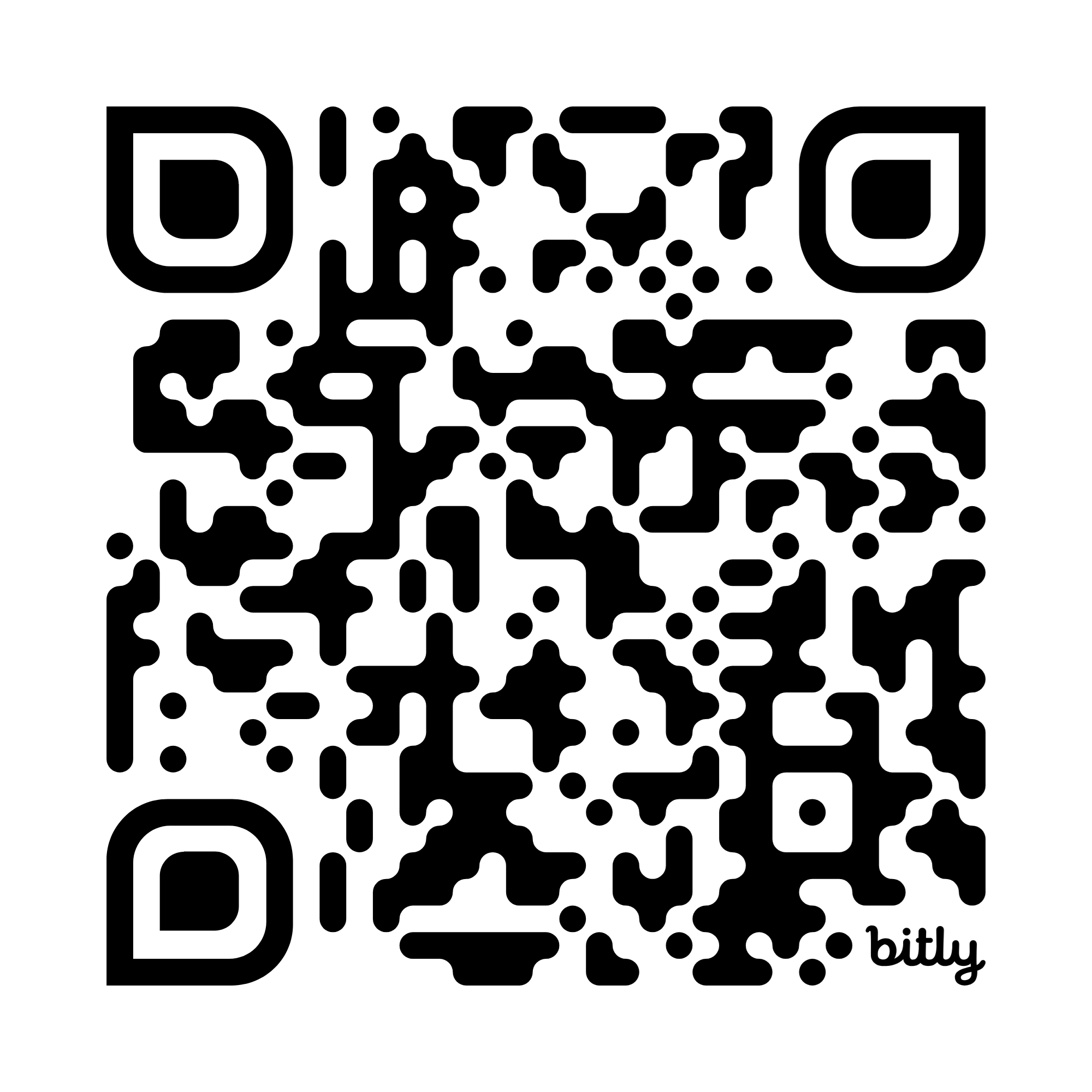
If you’re interested in joining our team, please fill out the short survey using the QR code or link below. |
 |
|
| |
 |
ESL Convo Club Volunteers Needed | Become a online ESL Convo Club Volunteer |
The Bridge is looking for ESL Convo Club Volunteers!
This fully remote volunteer opportunity allows you to help learners practice English in a friendly group setting. As a conversation leader, you’ll guide discussions in a Zoom breakout room of 4–8 participants, with staff available for support.
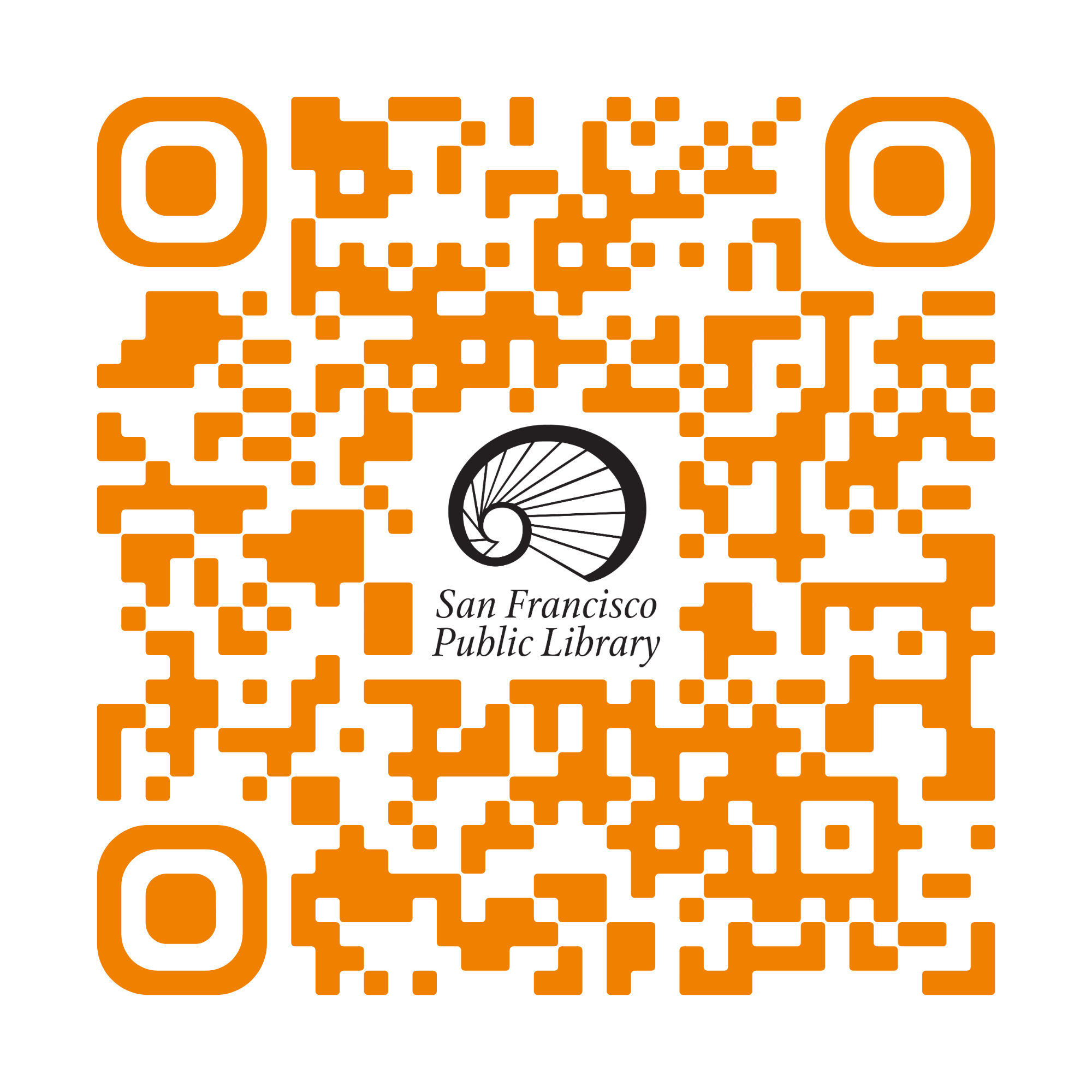
If you’re interested in joining our team, please fill out the short survey using the QR code or link below. |
 |
|
|
|
|
Featured Program |
 | Night of Ideas |
Saturday, April 11 | 7 p.m.–12 a.m. |
Night of Ideas San Francisco 2026, hosted by Villa Albertine and partners, is an evening event exploring art, innovation, and culture under the theme “Lighting the Way,” encouraging discussion on ideas and collective action shaping the future. The event also includes an Afternoon of Ideas with family-friendly workshops and activities, followed by talks, performances, and interactive programs that bring the community together to exchange ideas and imagine the future. ✨ |
Get your tickets here! |
Ticket Link: https://on.sfpl.org/NOI2026 |
|
 |
|
|
| Classes at the Main |  |
|
|
|
 |
| Tech Drop-In |
Every Tuesday, 1–2:30 p.m. | Computer Training Center, 5th Floor |
Patient tech volunteers provide one-on-one help to increase basic computer skills and instruction on how to solve basic technology issues. |
|
| |
 |
Basic Computer Skills Series |
Every Wednesday, 12–1 p.m. | Computer Training Center, 5th Floor |
Learn the basics of using a computer in this three-part, hands-on series designed for beginners.
You’ll practice operating a computer, connecting to the internet, managing files and apps, using Gmail, and exploring operating systems, storage, and keyboard shortcuts. |
|
|
|
 |
Computers for Beginners |
Presented by Community Living Campaign | Thursdays, April 2, 9 & 16, 1–3 p.m. |
Computer Training Center, 5th Floor | Learn the basics of using a computer in this three-part, hands-on series designed for beginners.
You’ll practice operating a computer, connecting to the internet, managing files and apps, using Gmail, and exploring operating systems, storage, and keyboard shortcuts. |
Space is limited. Reservations are required: (415) 557-4388. |
|
| |
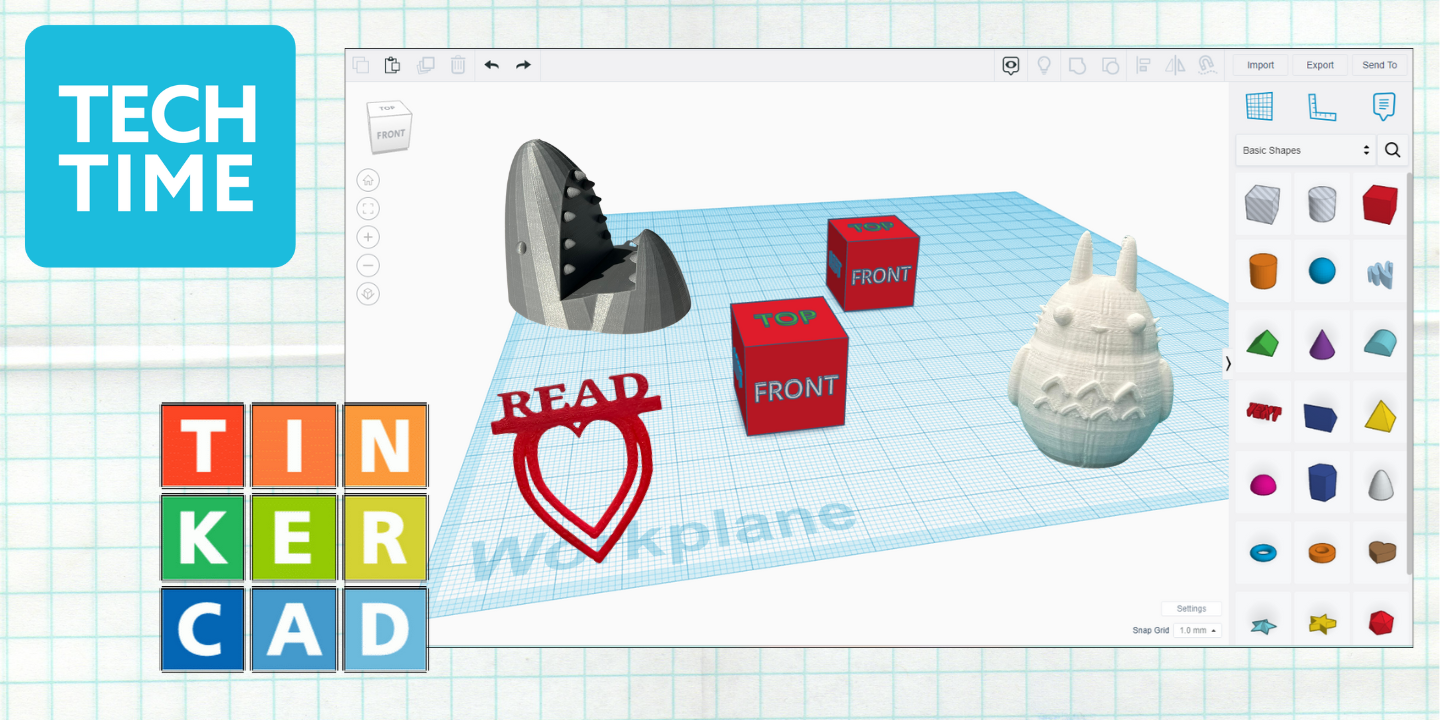 |
| 3D Printing Tinkercad Tinker Club |
CANCELED - APRIL TINKERCAD | Please join us at Night of Ideas! |
An introduction to using Tinkercad, a web-based software for designing 3D objects that can be printed on the library's 3D printer. |
|
|
|
 |
| eBook Drop-In |
Saturday, April 4, 3–4:30 p.m. | Thursday, April 23, 4–5:30 p.m. |
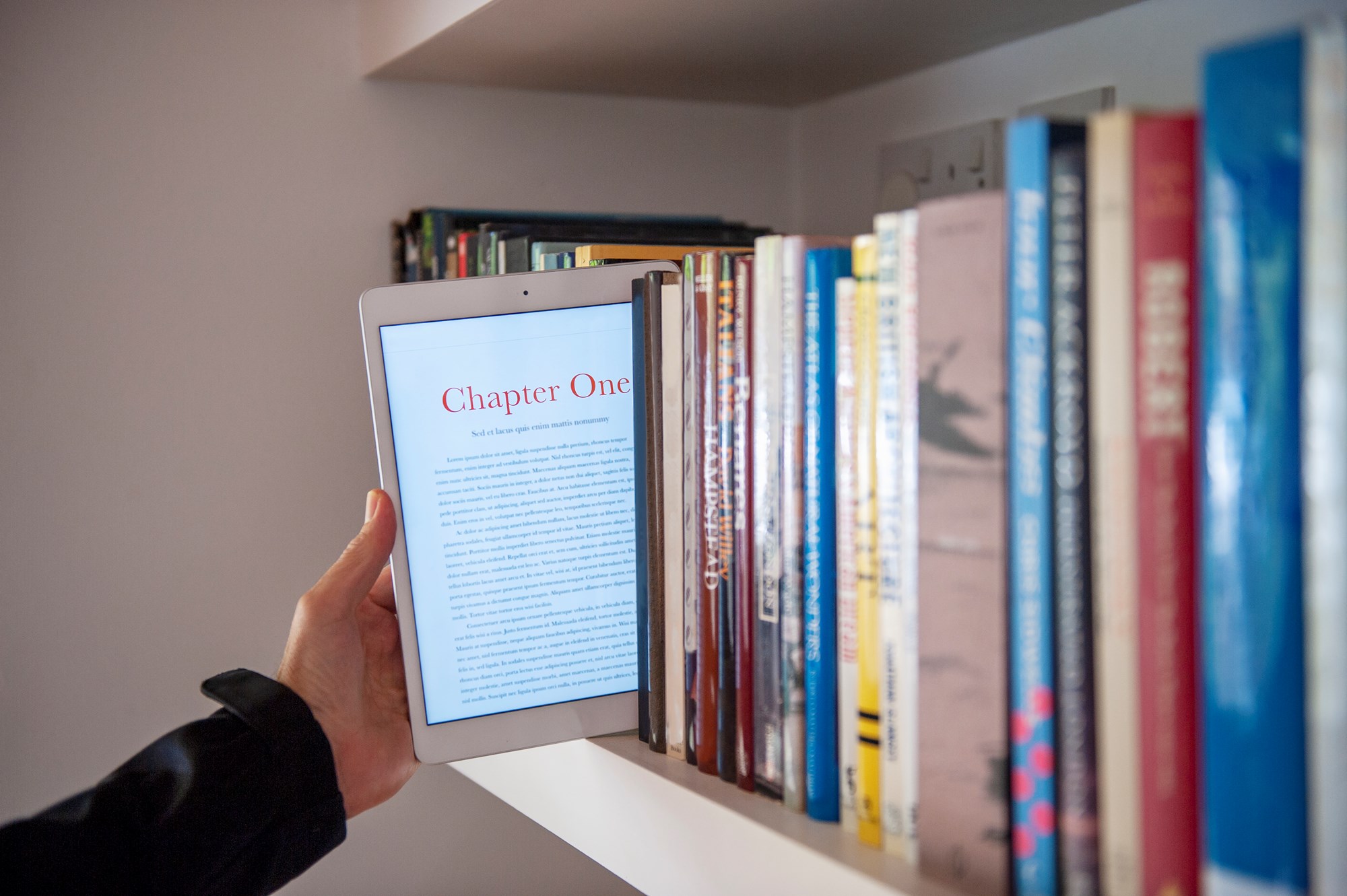
Atrium, 1st Floor | Bring your tablet, smartphone, Kindle or other eReader device and learn how to download from more than 40,000 eBooks in SFPL's collection. Please have your device fully charged and know your sign-in information and passwords. |
|
| |
 |
Earn a Certificate in Microsoft Basics with Northstar |
Wednesday, April 29, 4–6 p.m. | Computer Training Center, 5th Floor |
Take self-guided online assessments and interactive tutorials in an in-person, proctored session covering Microsoft Word, Excel, PowerPoint, basic computer and internet skills, and career search topics. Participants seeking a certificate must bring photo ID, and while desktops and headphones are provided, you may bring your own wired headphones if preferred. |
 |
|
|
|
| Classes at the Branches |  |
|
|
 |
Tech Savvy at 60+ (Cantonese) |
Wednesdays, April 8 & 22, 2–3:30 p.m. | Richmond Branch |
歡迎參加免費的電腦課程學習智慧型手機或平板電腦。課程內容包括如何使用电子邮件,微信,微信影片製作,照相和相机使用, 短信,Google地图,Zoom的使用,ChatGPT的各种功能。請攜帶自己的設備: 蘋果/ 安卓。教課老師能流利使用粵語上課。這堂課是由安老自助處提供。座位有限, 需提早預約: (415)355-5600。 |
|
| |
 |
Cantonese Tablet/Smartphone Course for Older Adults 60+ 移動設備 培訓課程 |
Fridays, April 10 & 24, 1–2:30 p.m. | Sunset Branch |
專為60歲或以上年長者或殘障人士而設的培訓課程. 由安老自助處提供. 請攜带您自己的設備. 座位有限. 從4月1日開始接受報名.
請親臨日落區圖書分館或致電415-355-2808報名. 設備: 蘋果和安卓 語言: 粵語 日期: 4月10日或4月24日
時間: 1點至2點半 主題: 相機/Camera - 什么是对焦和曝光/What is focus and exposure
- 相机的基本功能/The basic function of Camera
- 如何使用相机扫描二维码/How to use camera to scan QR code
|
|
|
|
|  |
|
Tech Exchange - Digital Literacy Classes | Presented by Tech Exchange |
Thursdays, April 16, 23 & 30, 2–4 p.m. | Ingleside Branch |
Learn the basics of how to use a computer. Tech Exchange’s digital skills curriculum provides residents with an introduction to technology use and encourages the incorporation of learned practices into daily life.
Trainers work with participating residents to identify current skill levels and support residents in accomplishing self-determined goals. This class is part of a 4-week series, perfect for those who are new to computers or need a refresher on basic skills. After completing all four sessions participants can receive a device.
Space Limited. In Person Reservations required. (starting April 1st) |  |
|
| |
 |
Tablet/Smartphone Class for Older Adults 60+ |
Friday, April 17, 1–2:30 p.m. | Sunset Branch |
Self-Help for the Elderly provides a training program to improve technical skills with hands-on training for smartphones and tablets. Participants should bring their own iOS or Android devices to class.
Topic: Camera
✔ What is focus and exposure? ✔ The basic function of Camera. ✔ How to use camera to scan QR code?
Space limited. Reservations required: (415) 355-2808 (starting April 1st)
*Reservations open on the 1st of each month — limit 1 class per person. To join more classes, call on the 10th of the month to check availability. Applies to English & Chinese sessions.
|
|
|
|
 |
Learn Languages with Mango and Rosetta Stone |
Monday, April 20, 2–3 p.m. | Golden Gate Branch |
Find out more about the online services offered by the library for learning a wide variety of languages and English as a Second Language, including Mango Languages and Rosetta Stone. |
|
| |
 |
Drop-in eBook Help | Monday, April 27, 2–3 p.m. |
Mission Bay Branch | Learn how to use SFPL’s digital media platforms, including Libby and Hoopla, in a one-on-one session.
Please bring:
The device you plan to use (phone or tablet) Your library card and PIN Your Apple ID (for Apple devices) Your Amazon login (for Kindle or Kindle app) |
|
|
|
| |
Discover Grok, an AI tool that can answer questions, explore topics, and help with simple image editing. Instruction in Chinese. Space limited. Reservations required:(415) 355-2888 (starting April 1).
瞭解 Grok,一款可以回答問題、探索各類主題,並協助進行簡單圖片編輯的人工智能工具。中文講解。4月1日開始報名,報名請電(415) 355-2888,或親臨本館。 |
|
|
|
|
Drop-In Tech Help at Your Local Branch |
|
|
 |
Get one-on-one help with your phone or tablet, searching the Internet, setting up an email account and other basic computer tasks. Click on each location for more information. |
|
|
Bayview Branch – Tuesdays, 1–3 p.m. Eureka Valley Branch – Wednesday, April 8, 3–4 p.m. Eureka Valley Branch – Tuesday, April 28, 3–4 p.m. Excelsior Branch – Tuesdays, 6–6:30 p.m.
(English, or Cantonese available) Reservation Required: (415) 355-2868 Excelsior Branch – Wednesdays, 1–1:30 p.m.
Reservation Required: (415) 355-2868 Excelsior Branch – Wednesdays, 3–3:30 p.m.
(English, or Cantonese available) Reservation Required: (415) 355-2868 Excelsior Branch – Thursdays, 11–11:30 a.m.
(English, or Spanish available) Reservation Required: (415) 355-2868 Noe Valley Branch – Monday, April 14, 2–3 p.m. Ortega Branch – Friday, April 24, 1:30–3 p.m. Richmond Branch – Friday, April 10, 1:30–3 p.m. Sunset Branch – Sundays, 1:30–3:30 p.m. Visitation Valley Branch – Thursday, April 9, 2–3:30 p.m. (English & Cantonese available) Visitation Valley Branch – Saturdays, April 4, 11 & 18, 1:30–5:30 p.m.
(English, Cantonese & Spanish available) West Portal Branch – Saturdays, April 4, 11 & 18, 12–4 p.m. West Portal Branch – Sundays, 1:30–4 p.m.
(Cantonese, Mandarin & Spanish available) Western Addition Branch – Wednesday, April 15, 5–6 p.m. |
|
|
|
|
 |
Reserve one-on-one tech assistance with a Librarian at the following locations.
Chinatown Branch – 預約圖書館員 – Tuesdays, 10:30 a.m.–12 p.m. 每節課程為20分鐘,需提前預約。 Reserve a 20 minute session: (415) 355-2888. Ingleside Branch – Wednesdays, 3 p.m.–4 p.m. Reserve a 30 minute session: (415) 355-2898. Parkside Branch – Wednesdays, April 8 & 22, 2 p.m.–2:45 p.m. Space Limited. Reservation Required: (415) 355-5770.
|
|
|
The Bridge at Main
100 Larkin Street
San Francisco, CA 94102 sfpl.org |
|
|
|
|
|
|